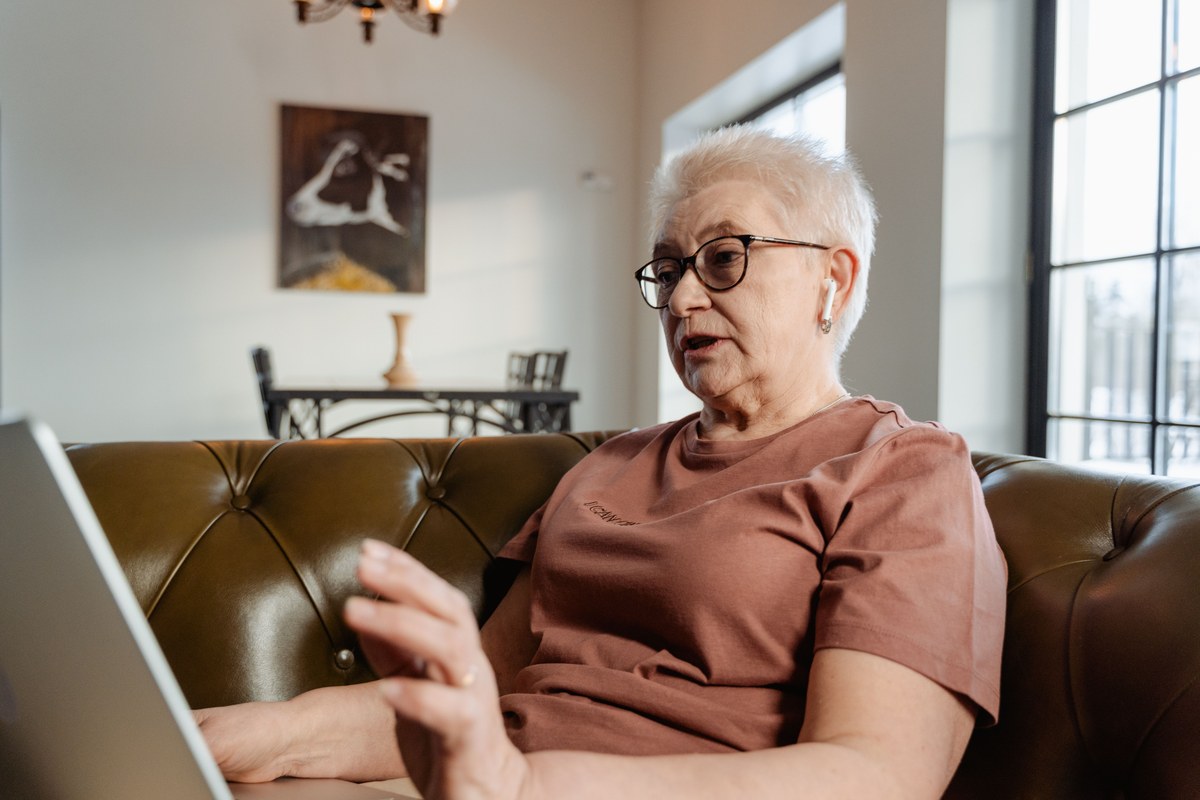
Telehealth means seeing a doctor, nurse, or therapist using a video call or phone call instead of driving to an office. For many people over 40, and especially for those managing ongoing health conditions or caring for a parent, it can save hours of travel, waiting rooms, and missed work. It is not as complicated as it may sound. If you can make a video call with a grandchild, you can almost certainly do a telehealth visit.
This guide walks through what telehealth is good for, what you need, how a visit works, and where to get free help if you get stuck.
What is telehealth, and what can it handle?
Telehealth is a broad term for health care delivered from a distance. It usually takes one of a few forms:
- Video visit: a live, face-to-face conversation with your provider on a screen.
- Audio-only visit: a scheduled phone call with your provider, helpful when video is not practical.
- Patient portal messaging: a secure website or app where you can send questions, see test results, and request refills.
- Remote patient monitoring: devices like blood pressure cuffs or glucose meters that send readings to your care team.
Telehealth works well for follow-up visits, medication check-ins, reviewing lab results, mental health counseling, managing chronic conditions like diabetes or high blood pressure, and minor issues like a rash or a urinary tract infection. It does not replace exams that require hands-on care, imaging, lab draws, or vaccinations.
What do I need before my first telehealth visit?
A device with a camera and microphone
A smartphone, tablet, laptop, or desktop computer will work. Tablets and laptops are often easier because the screen is larger and you can set them on a table rather than holding them for 20 minutes.
A reliable internet connection
Home Wi-Fi is best. If your connection is spotty, sit close to your router. If you do not have home internet, ask your doctor whether a phone-only visit is an option.
The right app or link
Most doctor's offices use either a patient portal (common names include MyChart and FollowMyHealth) or a video link sent by text or email. Ask the office exactly which one they use and whether you need to download anything ahead of time.
How do I set up and join a video visit, step by step?
- Schedule the visit by phone or through your portal, and ask whether it will be video or phone.
- Confirm your contact information. Make sure the office has your current cell number and email.
- Download and test the app a day or two ahead. Many platforms have a test button that checks your camera and sound.
- Prepare a short list of symptoms, questions, and all medications you take, including vitamins and supplements.
- Gather useful tools: reading glasses, a pen, your insurance card, and any home readings like blood pressure or weight.
- Pick a quiet, well-lit spot. Face a window or lamp so the light is on your face, not behind you.
- Join 10 minutes early. You will usually land in a virtual waiting room until the provider arrives.
- Ask about next steps before you hang up: prescriptions, tests, and when to follow up.
Does Medicare cover telehealth visits from home?
Medicare Part B covers many telehealth services, and you generally pay the same share of the cost (often 20% coinsurance after your deductible) as an in-person visit. Mental and behavioral health visits from home are covered on a permanent basis.
Here is the honest complication: for many other kinds of visits, Medicare's ability to pay for telehealth at home has relied on temporary extensions from Congress. Those rules have changed more than once and could change again. Before your appointment, check the current rules at Medicare.gov or call 1-800-MEDICARE (1-800-633-4227).
What about Medicare Advantage or SoonerCare?
Many Medicare Advantage plans offer extra telehealth benefits, sometimes with a lower copay. Call the number on the back of your card to ask. In Oklahoma, SoonerCare (the state's Medicaid program) also covers telehealth for many services. Private and employer plans vary, so always confirm coverage before your visit.
What if my internet is slow or I am not comfortable with technology?
You are not alone, and there are workarounds. Close other apps and ask others in the house to pause streaming during your visit. If video keeps freezing, ask your provider to switch to a phone call.
If cost is the barrier, the federal Lifeline program offers a monthly discount on phone or internet service for people who qualify based on income or participation in programs like Medicaid or SNAP. Many public libraries also offer free technology classes, and some lend Wi-Fi hotspots.
In rural parts of Oklahoma where broadband can be limited, a phone visit or a trip to a nearby library or clinic with a private room may be the most practical option.
How can a family caregiver help with a telehealth visit?
Caregivers can make a big difference, whether they are in the same room or joining from another state. You can:
- Set up the device and test the connection ahead of time.
- Help write the list of questions and medications.
- Join the call to take notes and ask follow-up questions.
- Make sure the right permission forms are on file so the doctor can share information with you.
Remember to let your loved one speak for themselves whenever they can. Your role is support, not substitution.
When should I skip telehealth and go in person?
Telehealth is not for emergencies. Call 911 for chest pain, trouble breathing, signs of stroke (face drooping, arm weakness, slurred speech), severe bleeding, or a serious fall. You should also go in person if your provider needs to listen to your lungs, examine an injury, or order tests that require a visit.
Where can I get local help in Oklahoma?
- Oklahoma SHIP: free, unbiased Medicare counseling through the Oklahoma Insurance Department at 1-800-763-2828.
- Area Agencies on Aging: Oklahoma has 11 regional agencies that connect older adults and caregivers with local services.
- Eldercare Locator: a free national service at 1-800-677-1116 or eldercare.acl.gov.
- Public libraries: many offer one-on-one tech help for older adults.
Telehealth will not replace every doctor's visit, but it can make staying on top of your health a lot easier. If you would like a little extra guidance, whether you need help sorting out insurance coverage or getting comfortable with the technology, Second Half 365 can connect you with a verified local expert who understands your situation. You do not have to figure it out alone.
Good Questions
Frequently Asked Questions
Do I need a smartphone to do a telehealth visit?+
No. A tablet, a laptop, or a desktop computer with a camera and microphone works well, and many people find a larger screen easier to use. Some visits can also be done by regular phone call (audio-only), depending on your doctor and your insurance. Ask the office which options they offer.
Does Medicare pay for telehealth visits from home?+
Medicare Part B covers many telehealth services, and mental and behavioral health visits from home are covered on a permanent basis. Coverage for other types of telehealth visits from home has depended on temporary extensions passed by Congress, so the rules can change. Check Medicare.gov, call 1-800-MEDICARE (1-800-633-4227), or ask your State Health Insurance Assistance Program (SHIP) for the current rules before your visit.
Is a telehealth visit private and secure?+
Doctors are required to protect your health information under a federal law called HIPAA, and most use secure video platforms or patient portals built for medical visits. You can help by joining from a private room, using your own device, and avoiding public Wi-Fi when you can. Never share your portal password with anyone who calls asking for it.
Can my adult child join my telehealth appointment from another city?+
Often, yes. Many video platforms let a family member join from a separate device, and some doctors will send a second link if you ask in advance. You may need to give verbal permission at the start of the visit, or sign a form so your doctor can share information with that person.
What happens if my video freezes during the appointment?+
Do not panic. Most offices will call you back by phone to finish the visit if the video drops. Before the appointment, confirm the office has your correct phone number, and keep your phone nearby and charged as a backup.
Where can I get free help setting up telehealth in Oklahoma?+
Oklahoma's SHIP program, run through the Oklahoma Insurance Department, can explain Medicare telehealth coverage at no cost (1-800-763-2828). Your local Area Agency on Aging and many public libraries, including those in the Metropolitan Library System in Oklahoma County, offer technology help for older adults. You can also find local services nationwide through the Eldercare Locator at 1-800-677-1116.
Key terms in this article
Want trusted help with this?
Second Half 365 connects you with verified local experts in Technology & Connectivity. Ask our concierge or browse the directory to find the right person near you.